
How to sign in to Practice Protect’s billing portal and update payment details
- Go to the Billing Portal Login Page here. US & International Clients, Australian Clients.
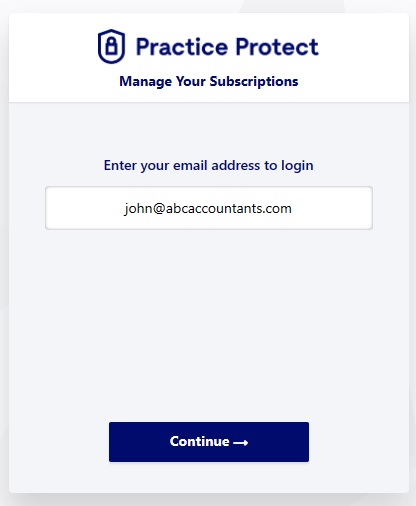
- Enter the email address used at signup and click Continue. If you require this email changed please contact operations@practiceprotect.com.
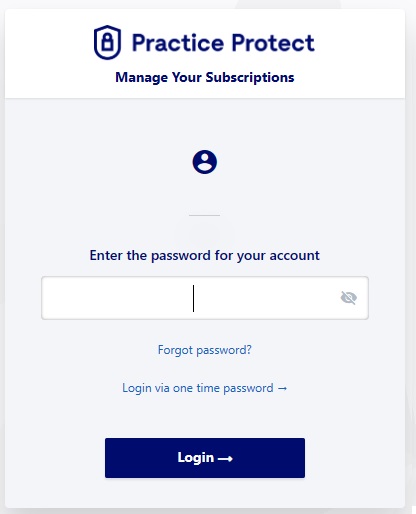
- Type your password or chose One Time Password and click Login.
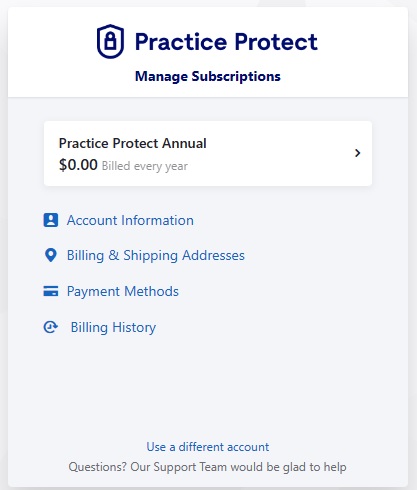
- Click on Payment Methods
- Click on the Payment Method to Update or Add New.
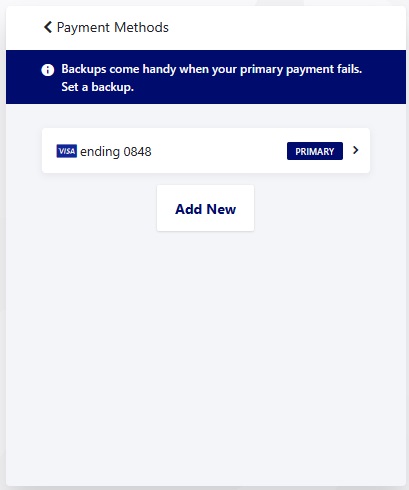
- Click Edit Payment Method.
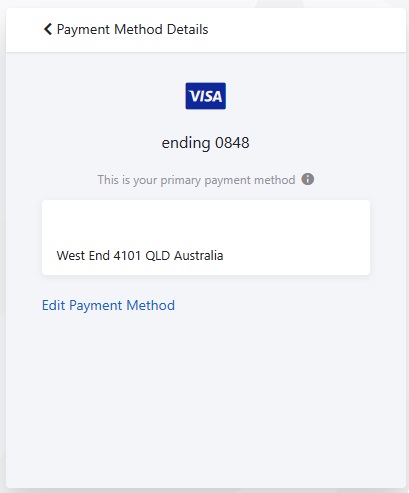
- Update Payment Method Details and Click Save.